Independent · machine-agnostic · United States
Teach, manage, and make with laser technology.
Practical, classroom-ready guidance for educators using laser cutters and engravers — grades 6–12, CTE programs, colleges, and universities.
We answer the educator’s question, not the catalog’s: how do we teach with, manage, document, and safely operate this equipment in a school or academic fabrication environment?

01 / Find your starting point
Start where you actually stand
Two entry points, because the problems genuinely differ. A teacher with one machine and a full class is not solving a shared-facility governance problem, and neither should have to read past the other’s answers to reach their own.
Path 1
Grades 6–12 and CTE
Teachers, CTE instructors, STEM/STEAM leads, and school makerspaces. Usually one machine, fixed class periods, limited prep time, and mixed student skill. Success is safe participation and visible learning — not machine throughput.
Path 2
College and university
Faculty, lab managers, makerspace staff, TAs, and student technicians. Multiple disciplines, machine types, and qualification levels, with real peak-demand pressure. Success is safe, equitable, technically competent access.
02 / The fundamentals
You do not need to know any of this yet
Plenty of people inherit a laser cutter. It arrives with a purchase order, a manual, and a room that may or may not have been ready for it. A handful of short pages cover the vocabulary everything else on this site assumes.
03 / Put it to work
Or go straight to the job in front of you
Audience sections are entry points. These are the work. Every page lives at one URL and surfaces in both places.
Teach & Make
Design and file preparation
Vectors and rasters, file types, strokes and fills, text as paths, scale checks, and preflight. Most failed jobs fail in the file, not at the machine.
Troubleshooting
Troubleshooting
Symptom-first triage for cut-through, engraving quality, and file faults. It ends where it should: diagnose, record what you saw, and escalate safely.
Plan
Plan a program
Total cost beyond the machine, room readiness, and the case an administrator actually has to make. Written for the people who sign, not only the people who teach.
From screen to something you can hold
A drawing becomes a learning tool.
A layered landscape is one way to connect digital design with a physical model. The same idea can open a conversation about contour lines, scale, and how parts become a whole.
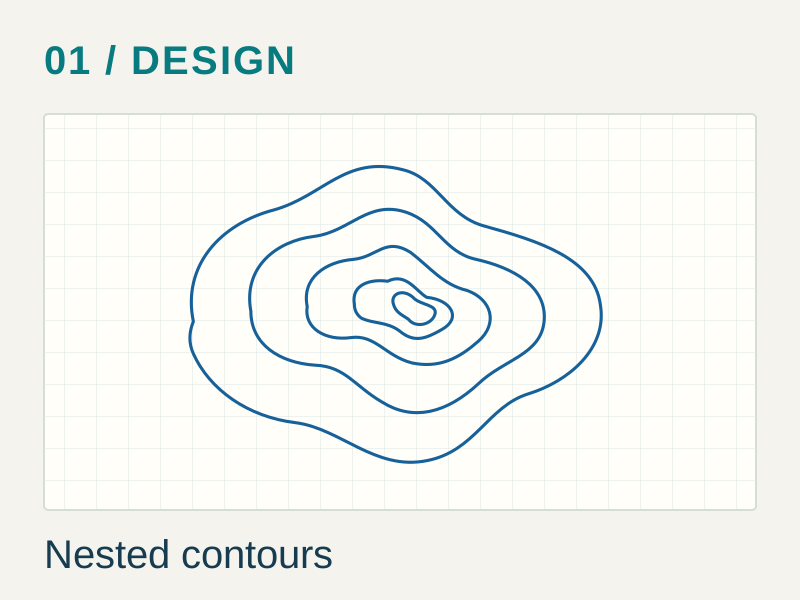
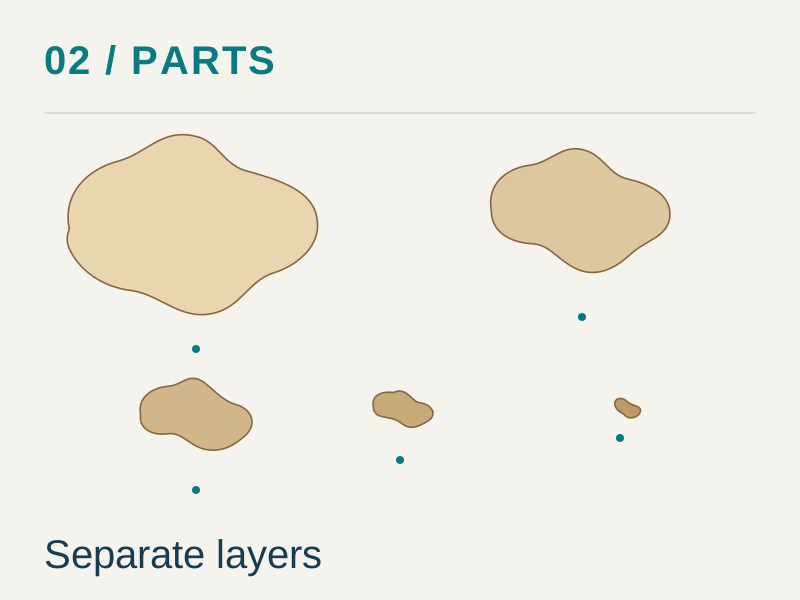

Illustrative project idea, not student work or a production-ready cutting file. Material approval, file checks, and the approved operating procedure remain separate requirements.
04 / Before the machine runs
Safety is the part we refuse to make convenient
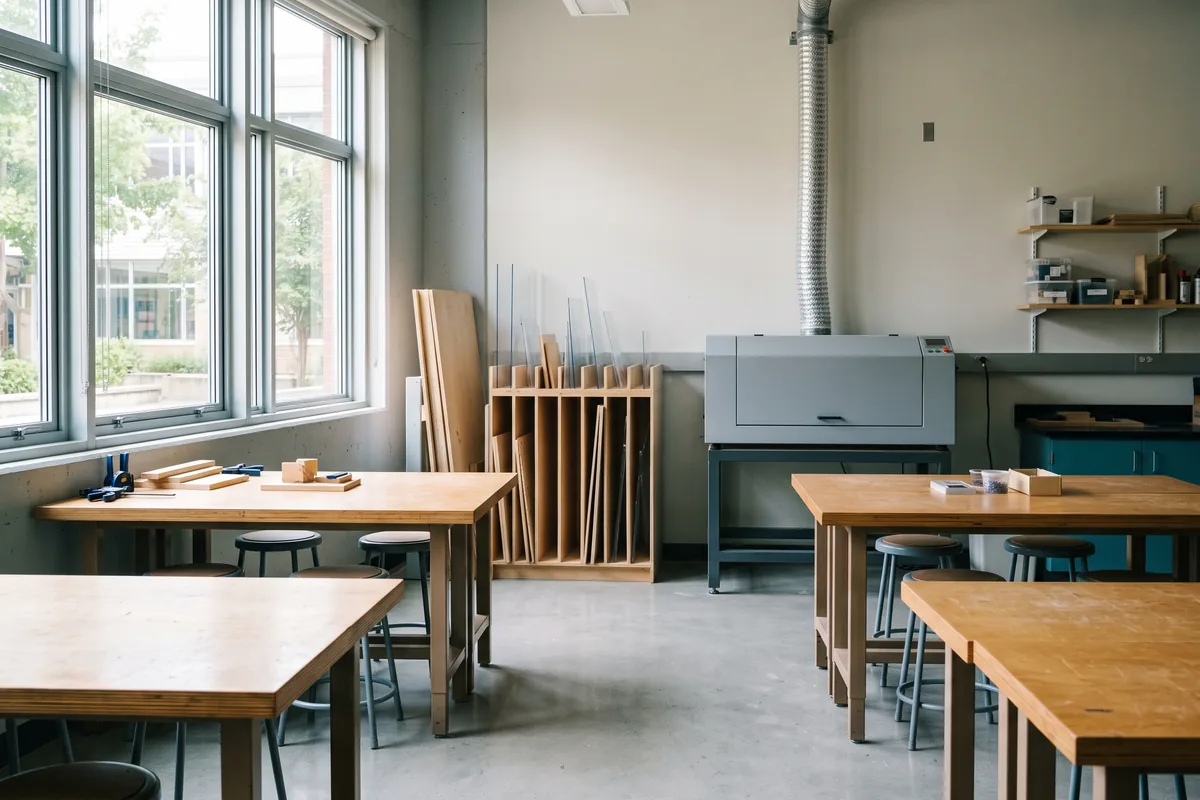
An appropriately selected, installed, ventilated, maintained, and supervised laser cutter can be used in an educational setting. That sentence carries five conditions, and every one of them is a decision someone at your institution has to make and document.
So this site gives you the questions, the review structure, and the records — not a verdict. We publish no settings chart presented as transferable across brands, wattages, lenses, material batches, or exhaust conditions, and no procedure that involves defeating an interlock, working with an exposed beam, or opening a machine.
Two things this site will not soften
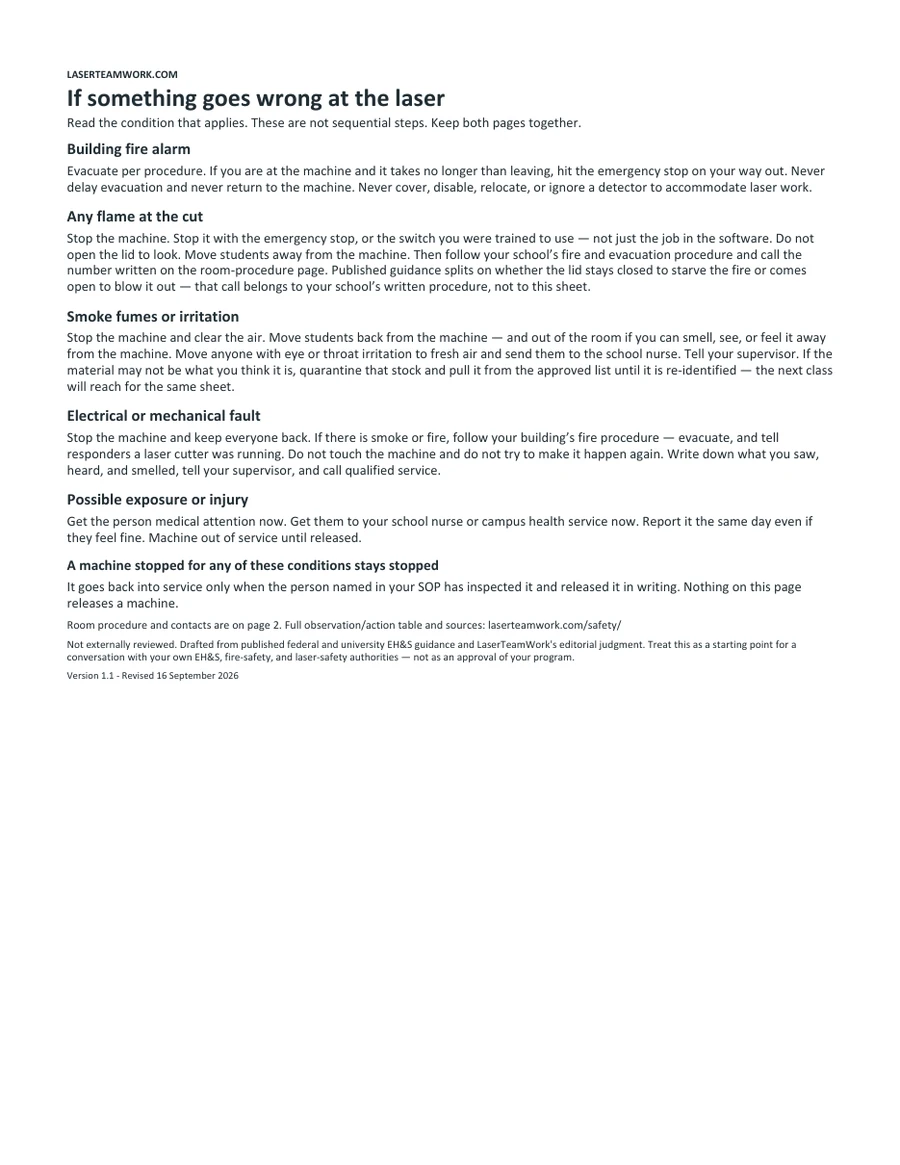
- Do not run a job unattended. Someone stays with the machine while it is firing, and stays close enough to act.
- Do not process PVC, vinyl, or other chlorine-containing material. Composition decides this, not appearance or trade name. When you cannot establish what a material actually is, the published advice is to ask your EH&S office rather than run it.
The safety guide is available — Not externally reviewed
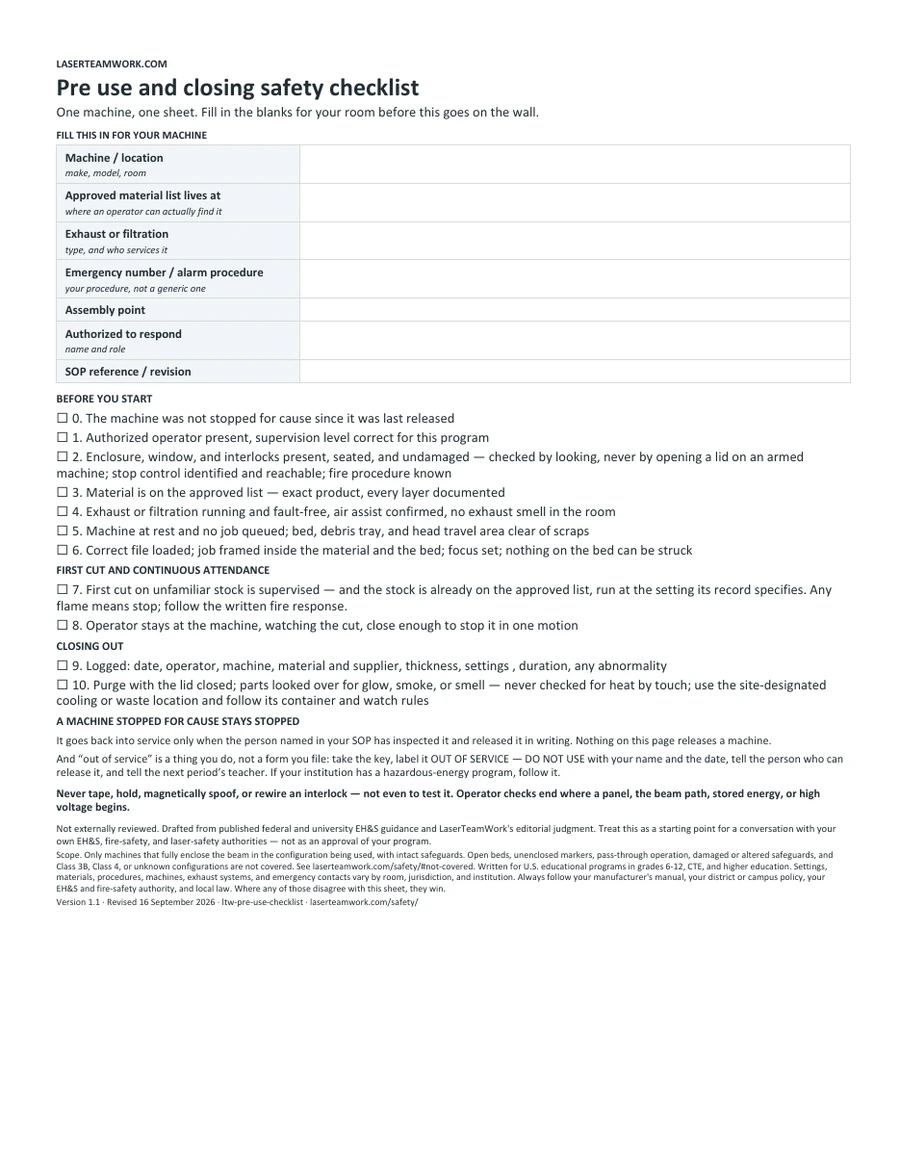
Read the cited guide to hazards, controls, stop conditions, and the pre-use checklist. It has not been reviewed by a laser safety officer, an industrial hygienist, or a fire-safety authority. It does not approve your installation or operating procedure.
Scope. Settings, materials, and procedures vary by machine, exhaust, and material batch. Always follow your manufacturer’s manual, your district or campus policy, your EH&S office, and local law. Nothing here is an approved operating procedure or a substitute for qualified professional review.
Answers, not articles
Questions educators actually ask
Each one is a short, direct answer that stands on its own, then links to the full guide underneath it. Here is what that looks like.
What is a laser cutter?
Direct answer
A laser cutter is a computer-controlled fabrication machine that focuses a beam of light onto a material to cut through it or change its surface. A digital file tells the machine where to move and which areas to cut, score, or engrave. Most classroom work begins as a two-dimensional vector drawing, a pixel-based image, or a file containing both.
For educators, the laser is best understood as one step in a larger workflow: define a problem, design, check the file, verify the exact material, run the approved job, inspect the result, and revise. Read the full answer.
More of the questions the library answers
- How can I manage one laser cutter with a full class?
- What can students learn by using a laser cutter?
- Why is my laser cutter not cutting all the way through?
- What is kerf in laser cutting?
- How do you measure laser cutter kerf accurately?
- Staff-operated service bureau, or self-service?
- How should students submit laser-cutting files?
For the people who approve it
Why a school would take this on at all
A laser cutter is not the point. What a program is really buying is a room where students design something, measure it, watch it fail, and fix it — on equipment and to tolerances that resemble the work waiting for them.
The demand side is documented. Deloitte and The Manufacturing Institute project that U.S. manufacturing “could see a net need for as many as 3.8 million jobs between 2024 and 2033,” and that roughly half of them — about 1.9 million — could go unfilled if workforce challenges are not addressed.1
The supply side is measured too. Federal Perkins accountability data put the four-year high school graduation rate for secondary CTE concentrators at 97.3% for the 2023–24 program year, up from 96.6% the year before — and in federal law a concentrator is a student who has completed at least two courses in a single career and technical education program, not anyone who took one elective.2
None of these numbers says buy a laser cutter. They say a hands-on program that produces job-ready graduates is worth defending in a budget meeting — and that is the argument the Plan section helps you write.
How this site works
Machine-agnostic, on purpose
We do not rank machines, review products, or publish brand-specific settings. Guidance is written to hold across laser types and manufacturers — which is exactly why it has to send you back to your own manual for the specifics.
Cited, or flagged
Claims carry a source. Anything we cannot source yet is marked unverified in plain sight rather than smoothed over, and pages show what they do not cover alongside what they do.
Review status, in plain sight
Pages identify their sources, scope limits, and review status. The safety guide and its downloads are available with a visible Not externally reviewed label. They do not replace qualified review of your own room and procedures.
Editorial content here is independent and is not reviewed or approved by any manufacturer.
Sources
- 1. Deloitte and The Manufacturing Institute, Taking charge: Manufacturers support growth with active workforce strategies (April 2024). Publisher summary. Verified 26 July 2026.
- 2. U.S. Department of Education, Office of Career, Technical, and Adult Education — Perkins V accountability data, 2023–24 program year (secondary four-year graduation rate for CTE concentrators, 97.3%). Reported release. Verified 26 July 2026; re-check against the federal Perkins Data Explorer each program year.
Figures on this page are restated on a cycle. Both were re-verified against their publishers on 26 July 2026 before this page was published.